AI Search

Explore public transport, in your words

Case in progress

Main flow

From the home screen to an answer, in five steps
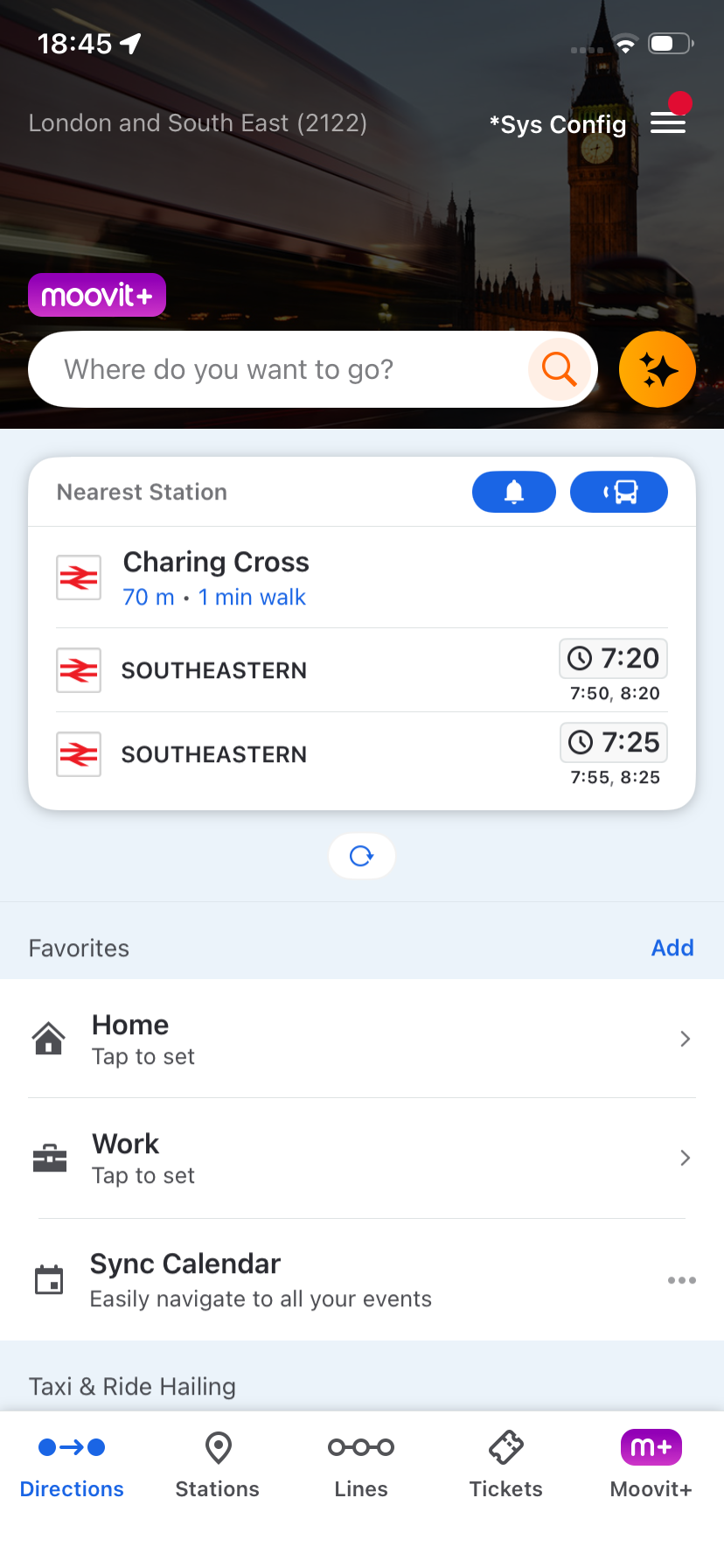
Moovit home screen with the AI star next to search
1 Tap the AI star on home
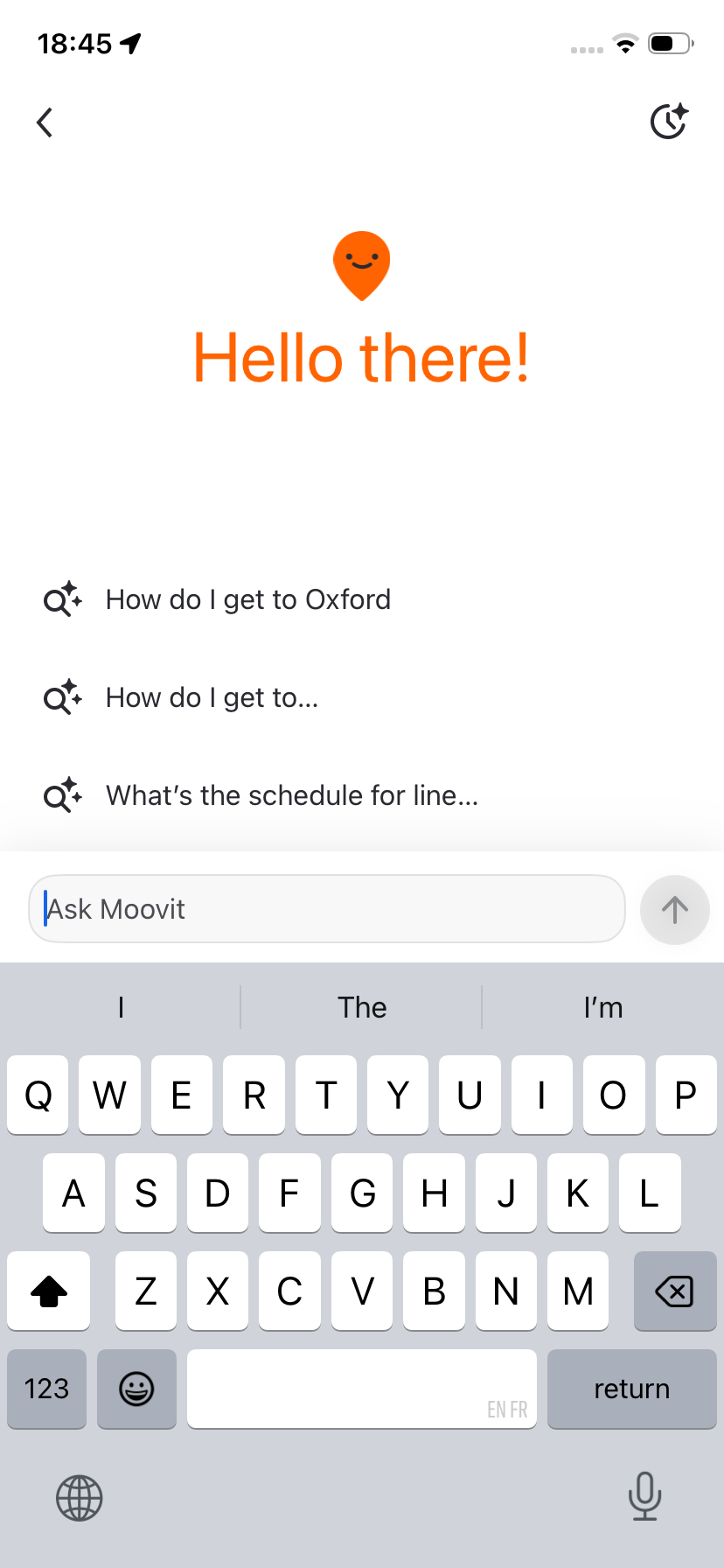
AI search welcome screen with suggested questions
2 Open AI search
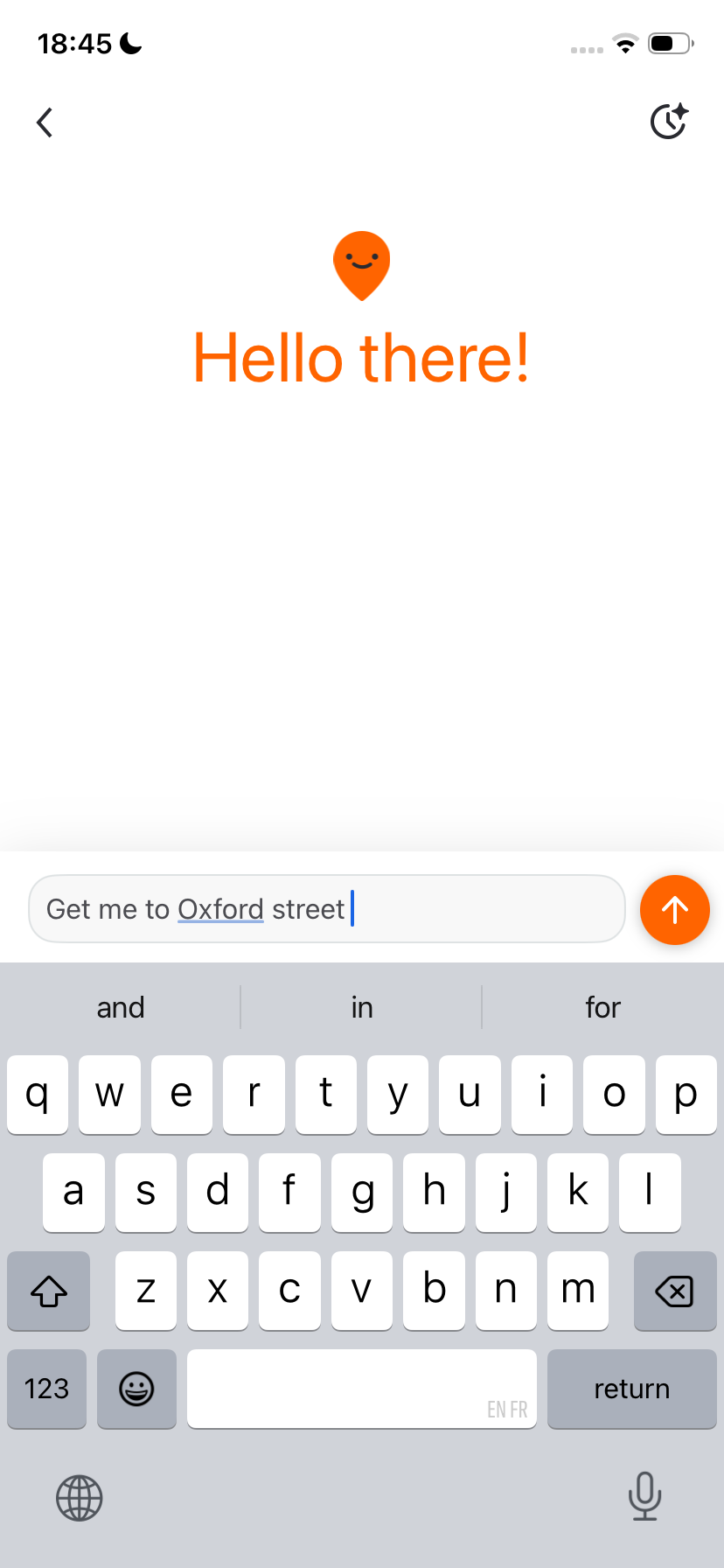
Typing a question: Get me to Oxford street
3 Ask in your own words
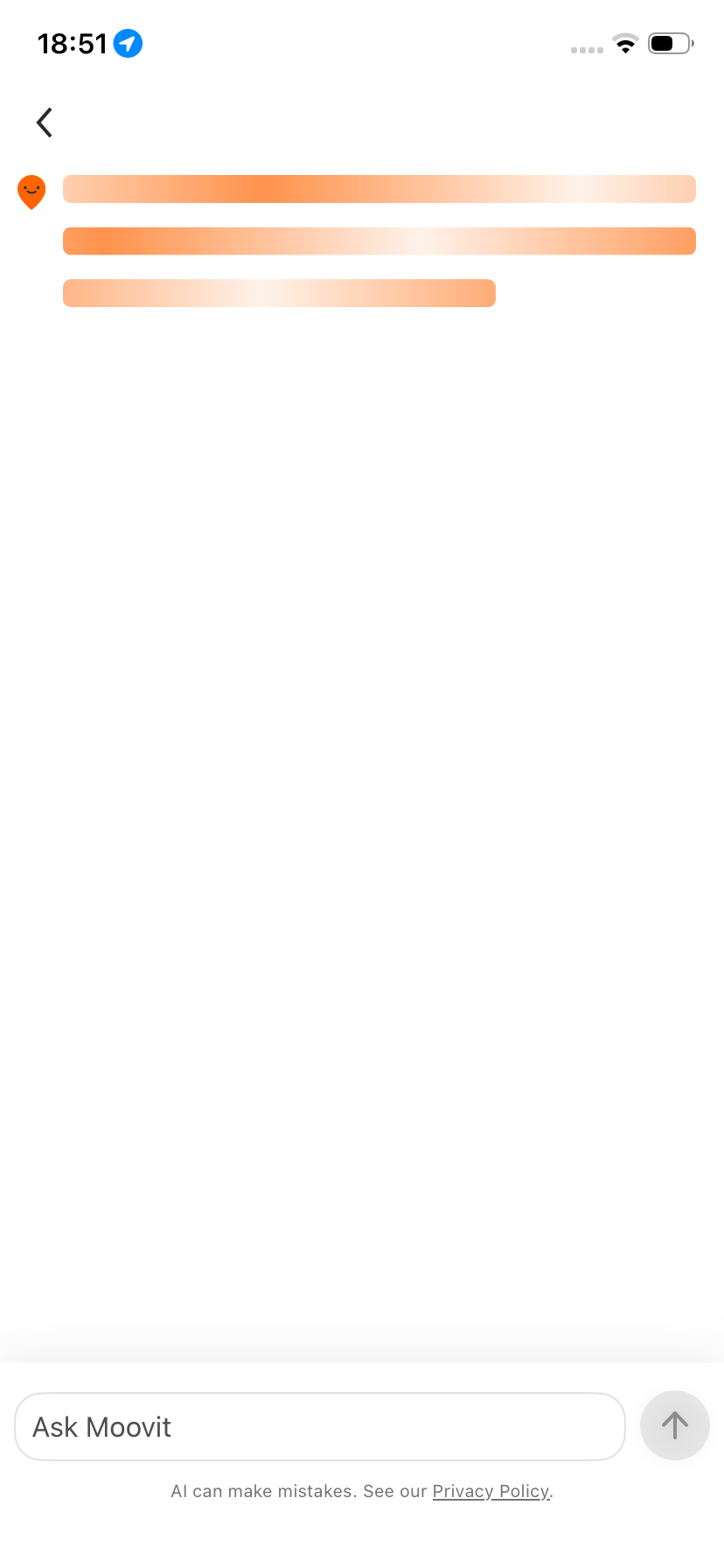
Answer loading state
4 Moovit works it out
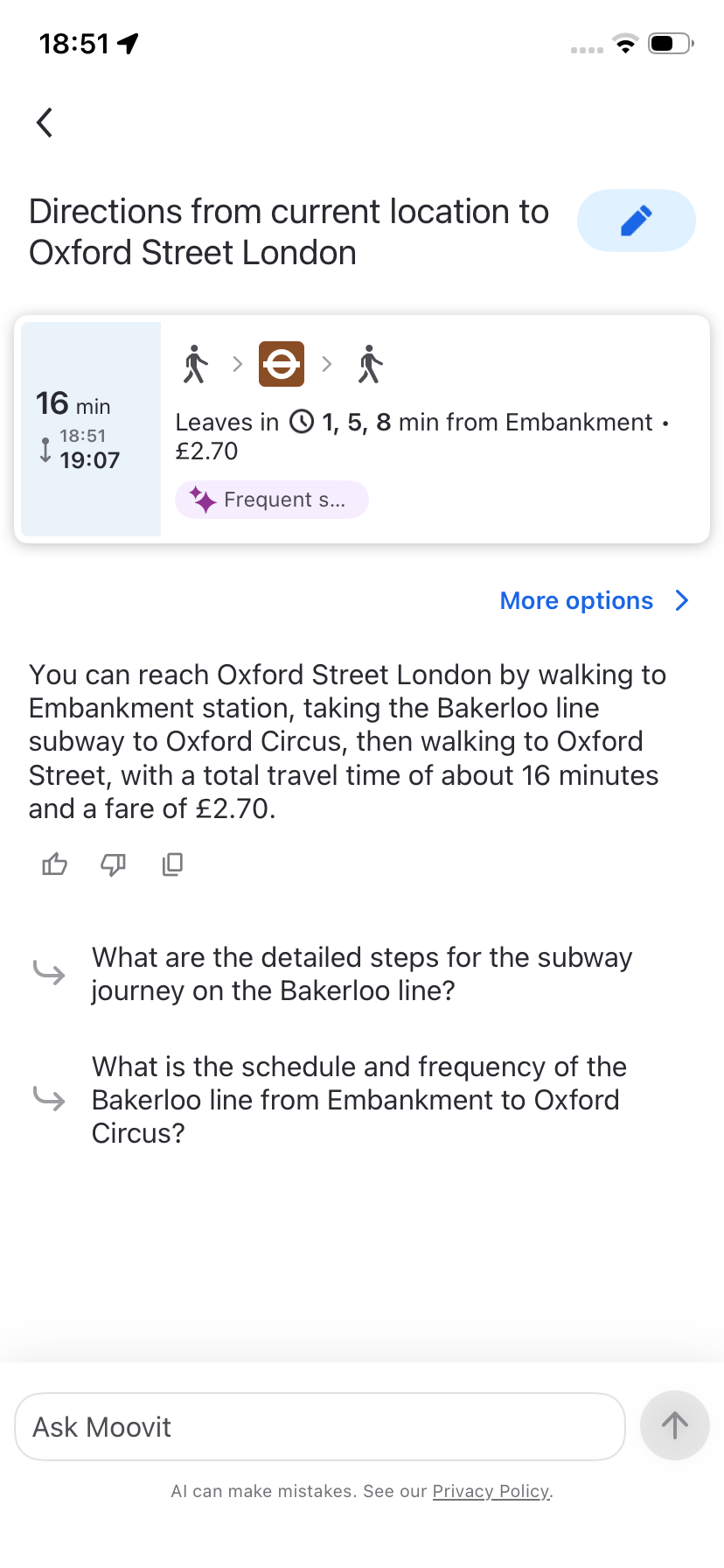
Directions answer to Oxford Street with live departures
5 Get a route with live times

In motion

Recorded in the app

Ask for directions
Ask a follow-up
Check a line schedule
Clear your history

More screens

Other ways in, and where past questions live
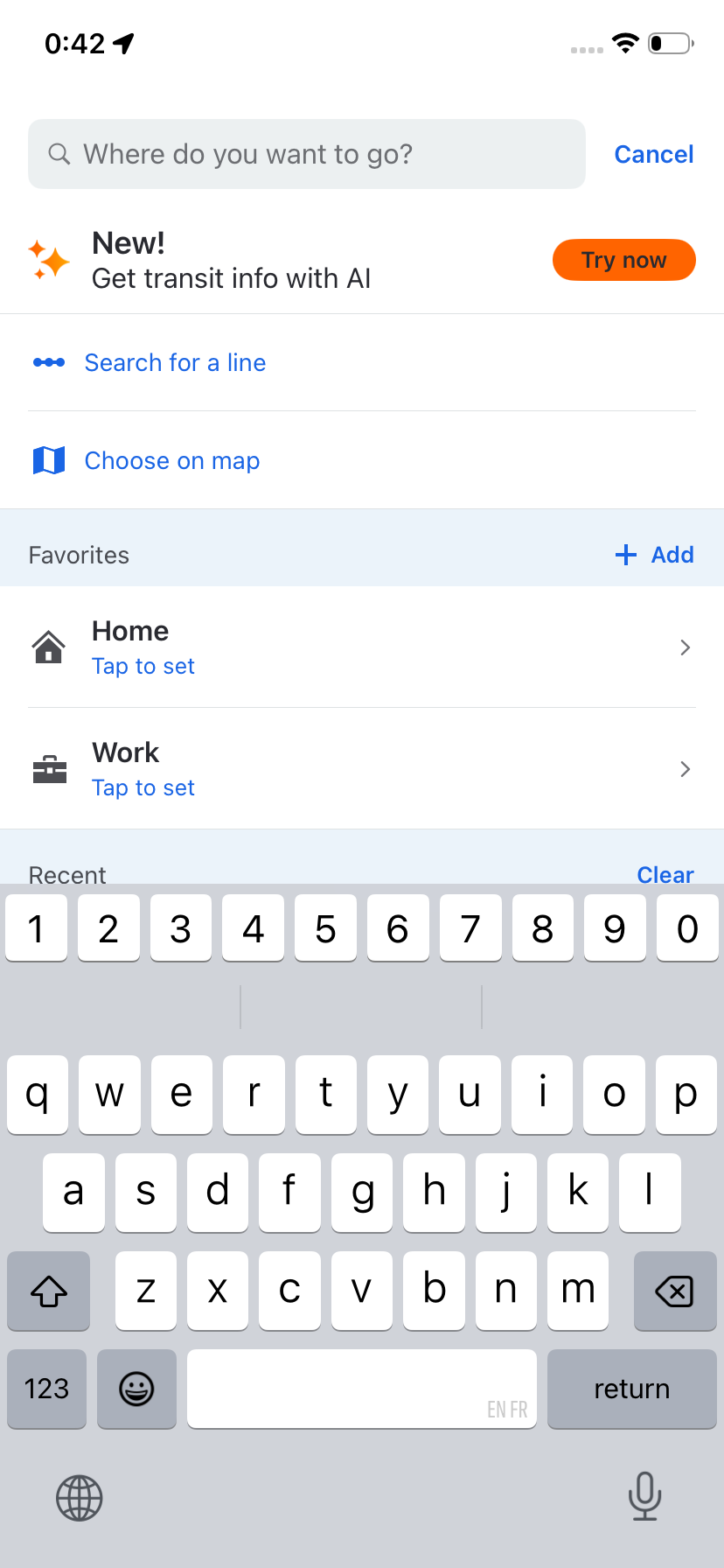
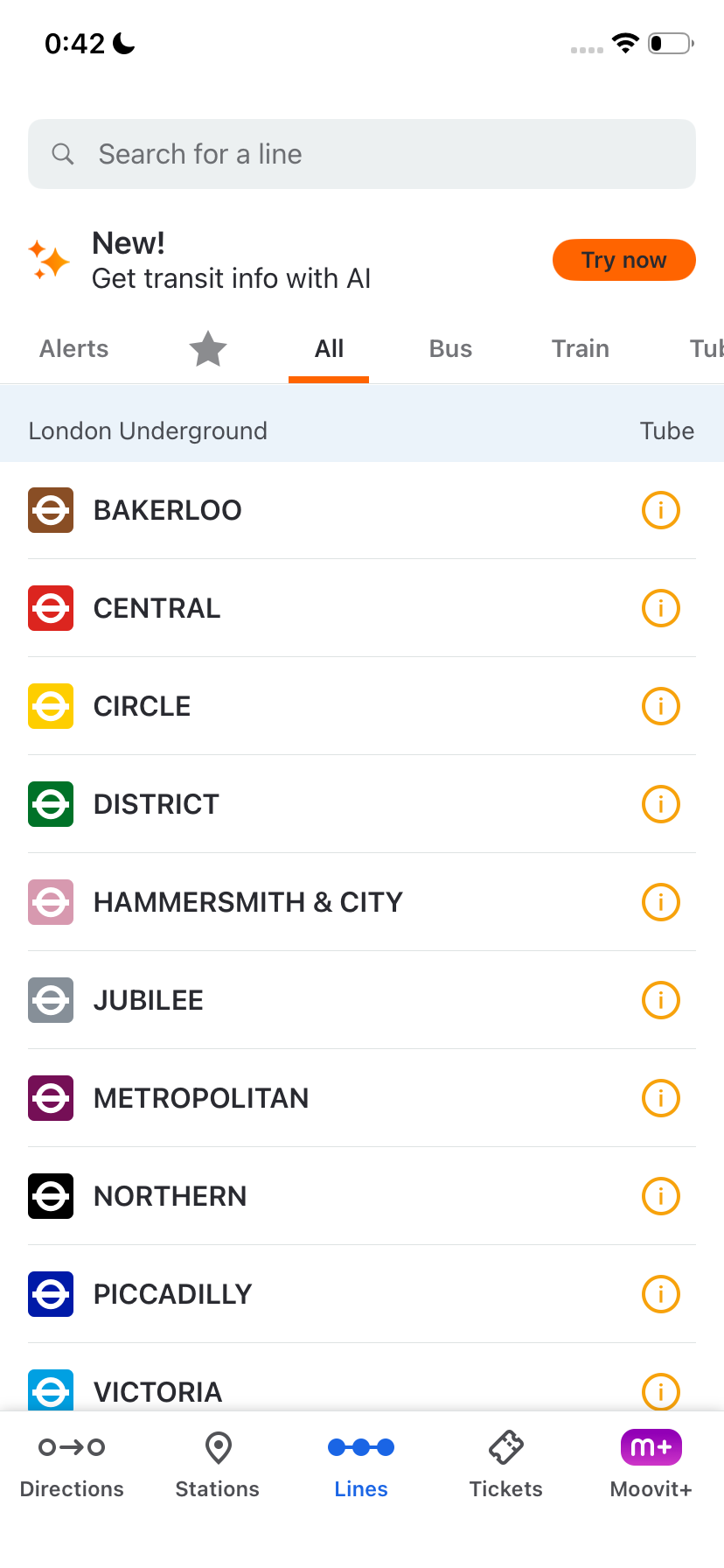
Search screen with a Try now banner for AI Lines screen with a Try now banner for AI

Two more ways in: search and lines

Empty history screen History list with a clear option

History, empty and filled

Dark mode

The same flow, after dark
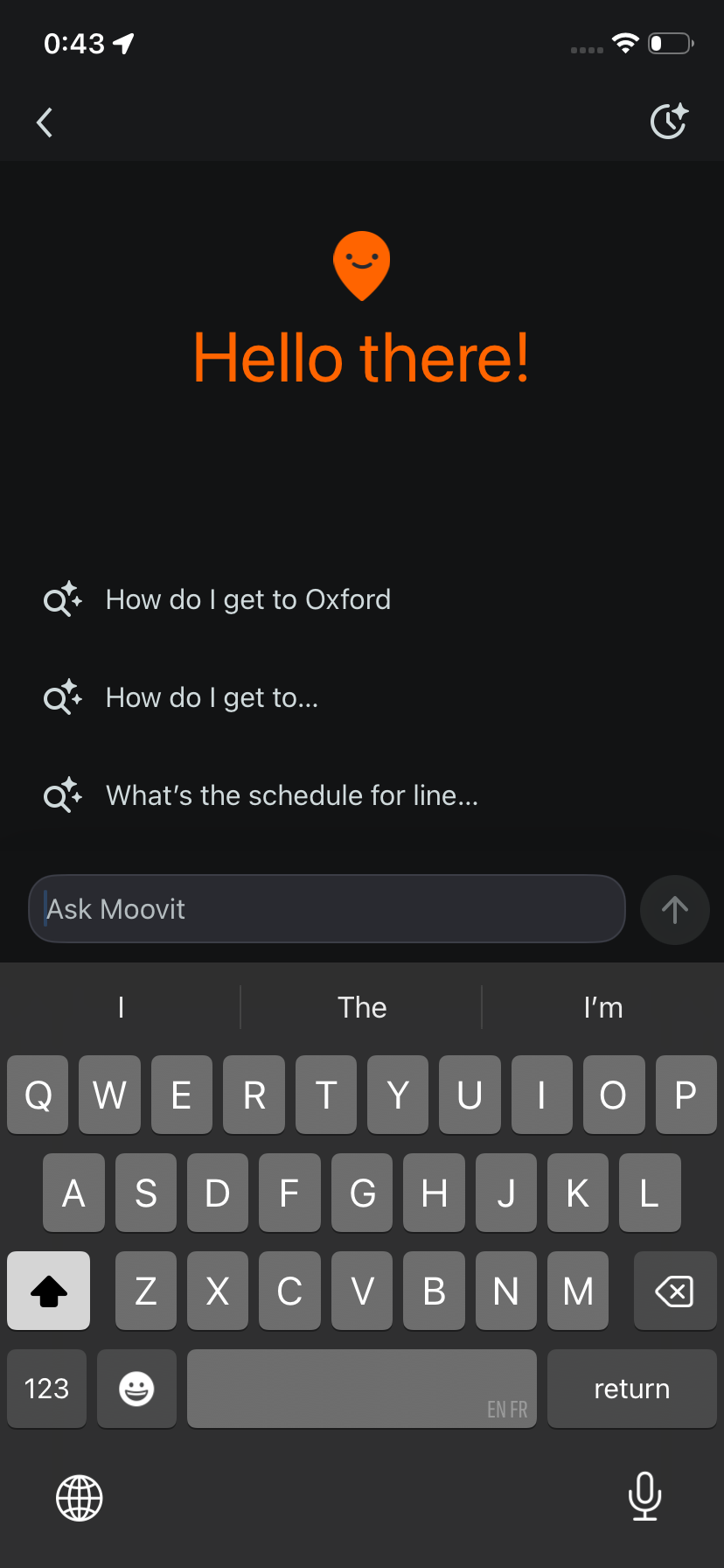
AI search welcome screen in dark mode
1 Ask in your own words
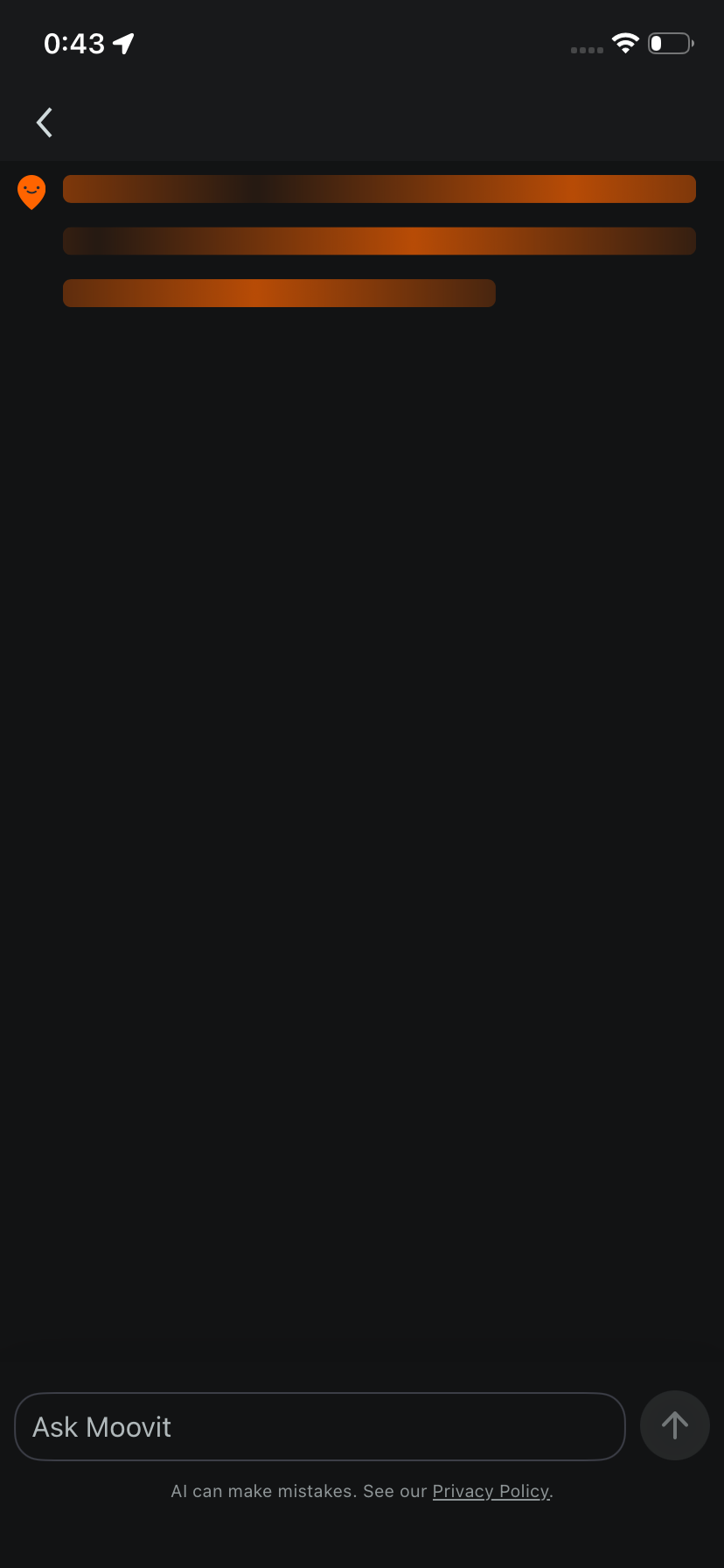
Answer loading state in dark mode
2 Moovit works it out
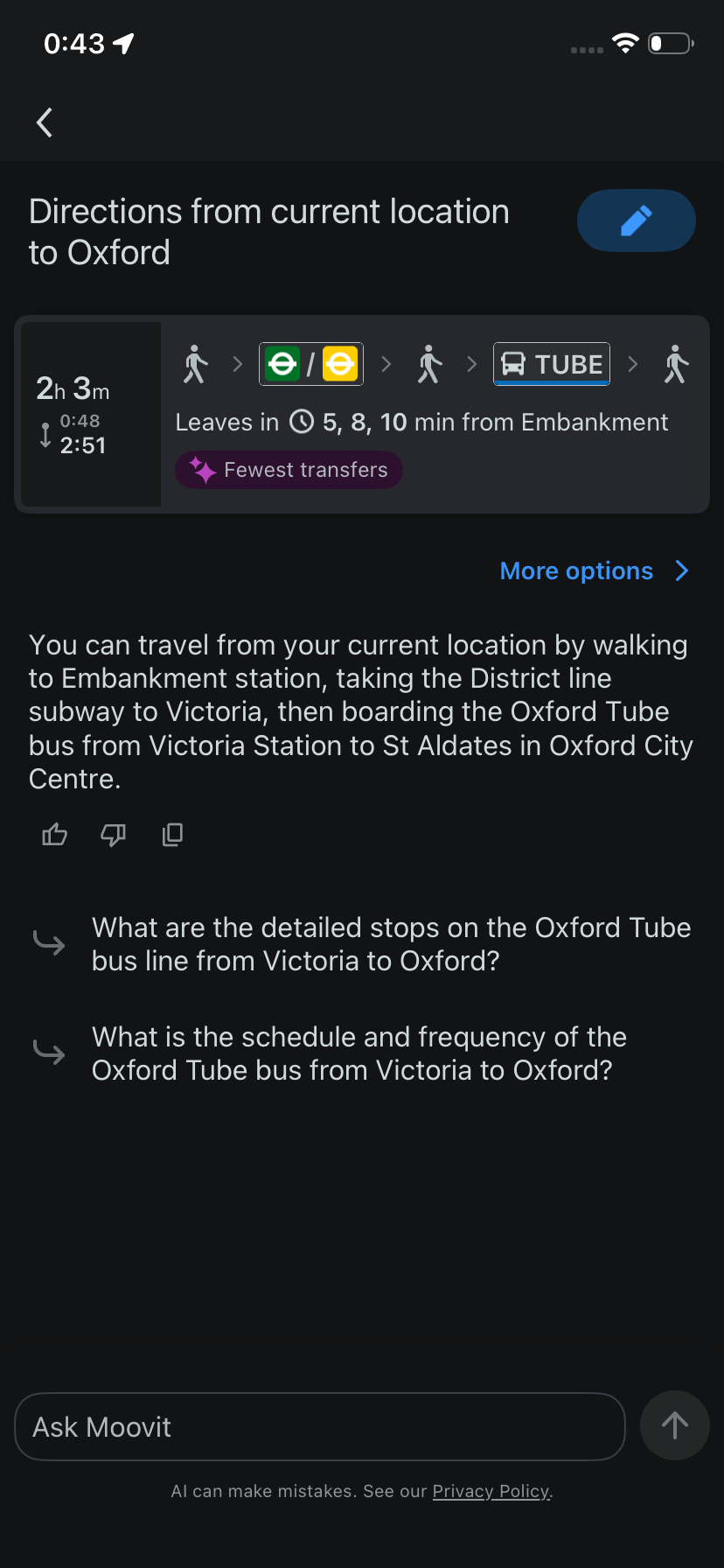
Directions answer to Oxford in dark mode
3 Get a route with live times